React Native 0.86 Android Edge-to-Edge Fixes: What Changed?
Muhammad Kamran
React Native 0.86 is out. If you only read the official announcement, the release can sound bigger than it really is.
It is not a major feature release. There is no new component that changes how we build apps, and there is no big performance upgrade promised for normal React Native applications.
Most of 0.86 is bug fixes and platform cleanup. The main change is better edge-to-edge behavior on Android. The DevTools update is convenient, but it is not a reason on its own to upgrade a production app.
That does not make 0.86 useless. A boring release that fixes keyboards, modals, layouts, and Android system bars can be more valuable than another experimental API. But it should be described honestly: React Native 0.86 is mainly a stability release.
I have not benchmarked a production app on 0.86, so I am not going to claim that it makes apps faster or uses less memory. Those claims are not the focus of the official release notes either.
First, what is the latest React Native version?
As of July 28, 2026:
React Native 0.86 is the latest stable release line.
React Native 0.86.2 is the latest patch published on npm.
React Native 0.87 is still a release candidate, not a stable release.
Version 0.86 introduced the changes discussed below. Version 0.86.2 only adds a small set of fixes, so calling 0.86.2 a separate feature update would be misleading.
The real update: Android edge-to-edge fixes
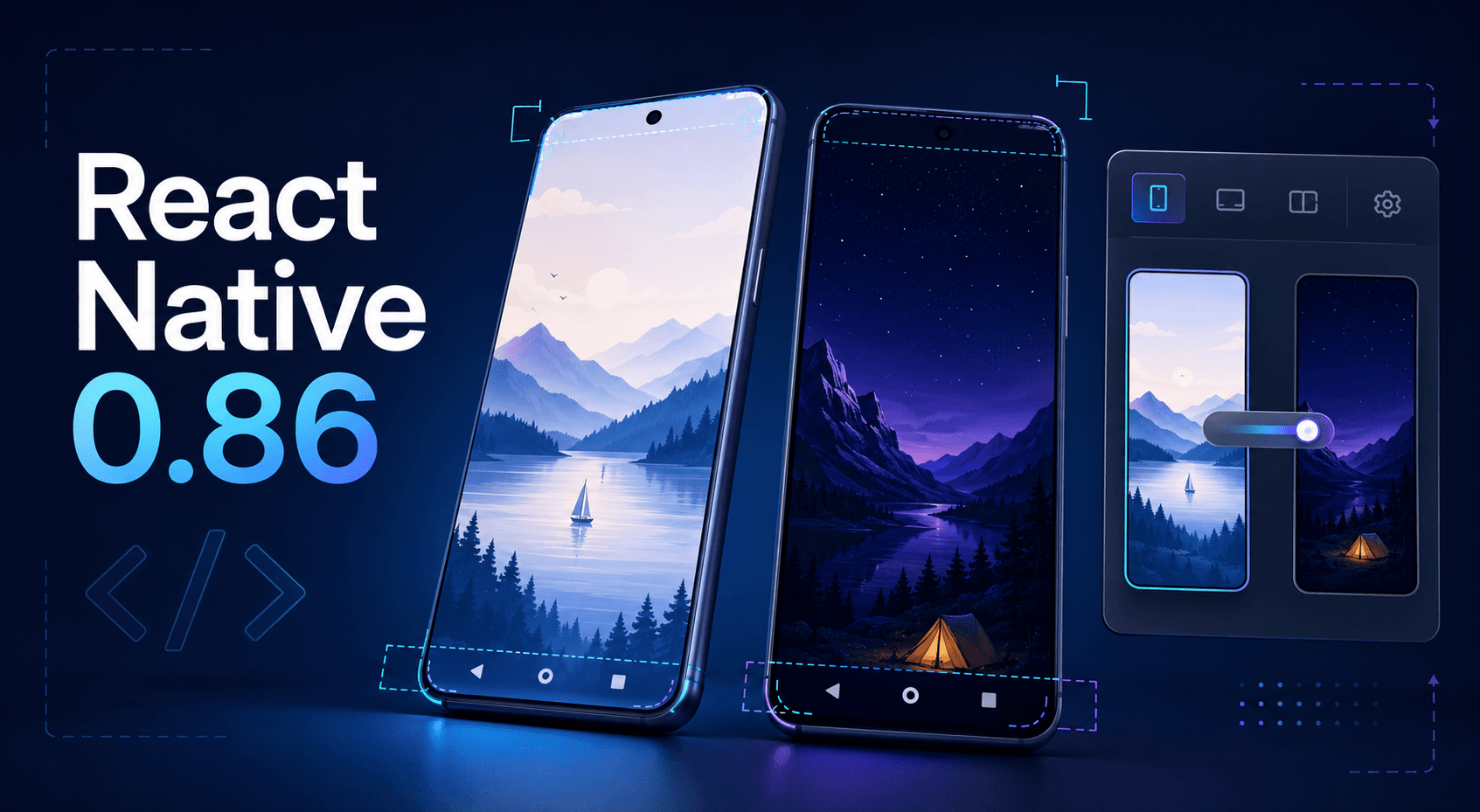
Edge-to-edge itself is not new in React Native 0.86. Android 15 already pushed apps in that direction, and React Native added support in earlier versions.
The problem was that some React Native APIs did not behave correctly once the app started drawing behind the status and navigation bars. Version 0.86 fixes that implementation.
The important fixes are:
measureInWindownow returns correct coordinates with edge-to-edge enabled.KeyboardAvoidingViewworks more reliably on Android 15 and newer.Dimensionsreturns correct window values in more edge-to-edge cases.StatusBarcan change its style and visibility while aModalis open.Android navigation bar contrast now follows the app theme correctly.
These are real fixes, especially for apps with forms, modals, custom headers, bottom sheets, or full-screen screens.
For example, a wrong measureInWindow result can place a tooltip or floating menu in the wrong position. A broken KeyboardAvoidingView can leave the active input behind the keyboard. A modal using the wrong status bar style can make the icons difficult to see.
DevTools can switch between light and dark mode
React Native DevTools can now emulate light and dark appearance modes.
Open the Command Palette with Cmd + Shift + P on macOS or Ctrl + Shift + P on Windows and Linux, then select the appearance you want to test. You no longer need to change the complete device theme every time.
This is useful if your app supports dark mode. It saves a few steps while checking colors and theme-aware components.
That is all it is, though: a useful testing shortcut. It does not change how useColorScheme works, and it does not improve the final app for users. The emulated setting is temporary and resets when DevTools disconnects.
“No breaking changes” does not mean “nothing can break”
React Native says 0.86 has no user-facing breaking changes from 0.85. In simple words, an app already running on 0.85 should not need application-code changes just because of a changed React Native API.
This is good, but the wording can give developers too much confidence.
Your upgrade can still fail because of:
A native library that has not tested React Native 0.86
A custom native module
Changes in Android or iOS project files
Gradle or CocoaPods configuration
An old workaround that conflicts with a fixed behavior
A bug in the release itself
React Native 0.86 contains around 600 commits. “No breaking changes” is a compatibility goal, not a guarantee that every app and third-party package will behave exactly the same.
If the app is already on 0.85, the upgrade should be manageable. It still belongs on a separate branch with proper Android and iOS testing.
The rest of the release is mostly targeted bug fixes
There are many smaller changes in 0.86. Listing every one would just reproduce the changelog, so these are the fixes most likely to matter in a normal app.
Keyboard and TextInput
KeyboardAvoidingView and TextInput scrolling now respond better when the keyboard height changes, such as when a user opens the emoji panel or the predictive-text row appears.
Layout and animation
React Native fixed an animation flicker where a view could briefly jump back to its old value after a React commit.
The release also fixes:
A text measurement crash
Touches reaching views with transforms such as
scaleX: 0Some Yoga layout problems involving absolute text and
display: contentsStyling on the inner container of a
Modal
You will only notice these fixes if your app hits the affected case. There is no general UI rewrite or new layout system here.
BackHandler, images, and networking
On Android API 36 and newer, BackHandler callbacks could stop working after the app returned from the background. Version 0.86 fixes the callback registration.
Image.getSize and Image.getSizeWithHeaders now return the original image dimensions rather than dimensions after Fresco downsampling.
The networking changes include better handling for very large HTTP responses, support for a manually supplied WebSocket Cookie header, and working blob: URLs with the New Architecture.
Again, these are bug fixes. Do not expect a visible difference unless one of these problems already affects your app.
What is new in React Native 0.86.2?
React Native 0.86.2 was published on July 27. React Native 0.86.1 was skipped because of a Maven publishing issue.
The 0.86.2 patch contains:
A layout fix for the
hasNewLayoutstate ondisplay: contentsnodesTwo Android runtime synchronization fixes
A Hermes V1 version update
There are no major new features in 0.86.2. It is simply the patch you should choose if you are moving to the 0.86 release line now.
Sources
Enjoyed this article?
Check out more of my content or get in touch if you'd like to work together on your next project.